
How to Watch Movies and TV Shows on IPTV in the USA (2026 Guide)
For millions of entertainment lovers across the United States, managing five separate streaming subscriptions for movies and TV series has become expensive and exhausting. Fortunately, modern IPTV (Internet Protocol Television) offers a unified alternative — combining 25,000+ live broadcast channels with massive Video-on-Demand (VOD) libraries containing over 100,000+ movies and TV show series. In this comprehensive 2026 guide, we explain how IPTV streams movies and series, what hardware and player apps you need, and how to get an optimal 4K viewing experience in your living room.
📌 Key Takeaways: Streaming Movies & TV Shows on IPTV
- All-in-One Entertainment: IPTV consolidates live TV channels and 100,000+ VOD movies/series into a single app interface, eliminating the need to pay for multiple standalone subscriptions.
- Full Playback Controls: VOD titles include pause, fast-forward, rewind, subtitle management, and multi-language audio selection in 1080p HD and 4K Ultra HD.
- Multi-Device Access: Stream seamlessly across Firestick, Smart TVs (Samsung/LG), Android TV, Apple TV, PC, and mobile devices.
- Optimal Speeds: Streaming HD VOD requires 8–15 Mbps, while 4K Ultra HD VOD streams require 25+ Mbps for buffer-free playback.
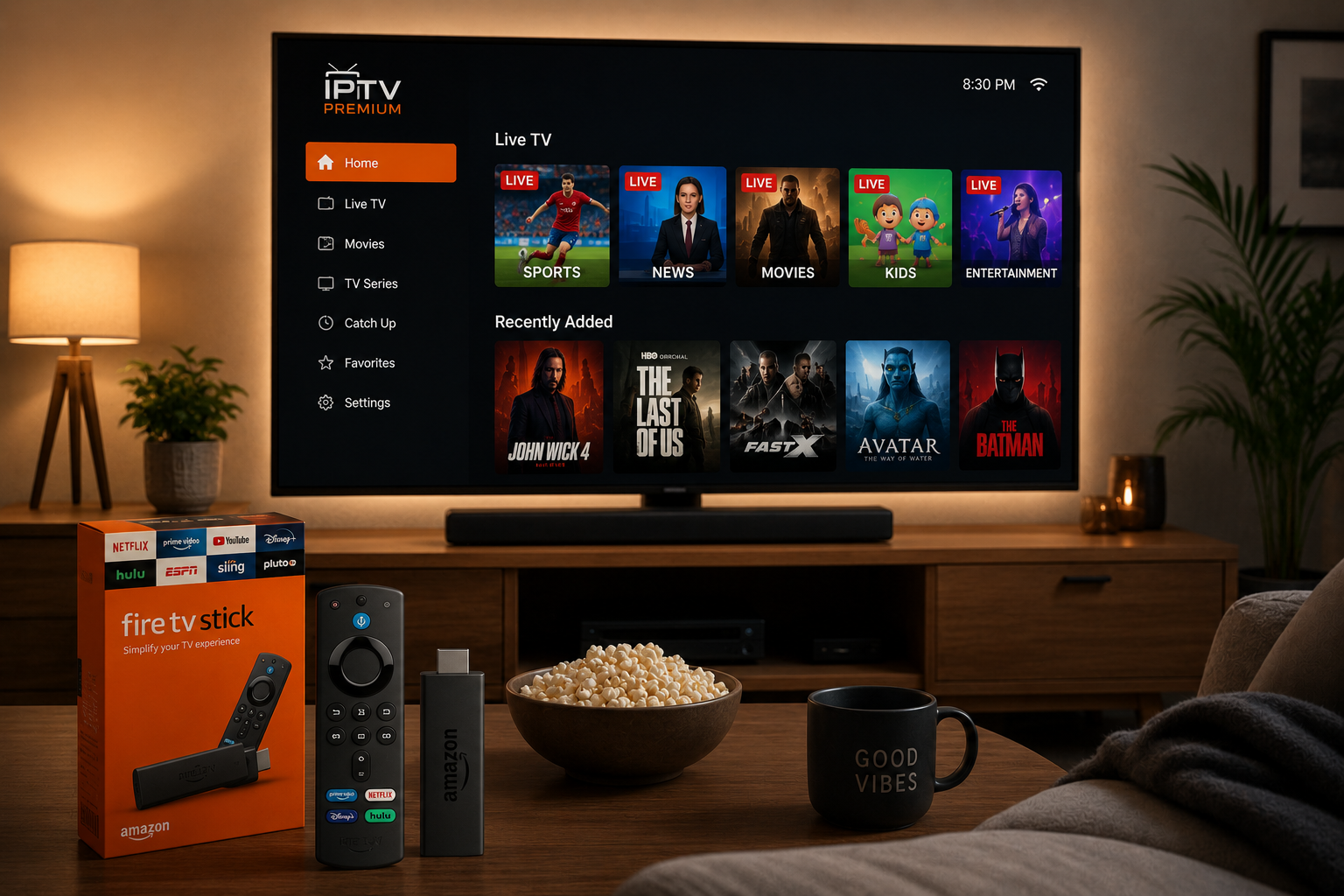
What is Video-on-Demand (VOD) IPTV?
Video on Demand (VOD) IPTV is the feature that transforms IPTV from a simple live TV replacement into a complete, modern entertainment ecosystem. While live channels broadcast scheduled television, VOD libraries function similarly to dedicated streaming apps, allowing subscribers to browse categories, search by title, and stream content instantly on demand.
With an OURAIPTV subscription, users gain access to over 100,000+ movies and TV series updated weekly with theatrical releases, streaming exclusives, and retro box sets.
How IPTV Streams Movies & TV Shows
Understanding the mechanics behind IPTV helps explain why it has become such a compelling option for American households. When you select a movie or TV show, the file is delivered as compressed IP data packets over high-speed servers directly to your player application.
Unlike traditional cable where video is pushed to every home simultaneously, IPTV uses a two-way client-server architecture. Your device sends a request to cloud servers, which immediately stream the selected file using efficient H.264 or H.265 (HEVC) codecs.
Benefits of IPTV VOD Libraries
The transition to IPTV VOD offers several advantages for American entertainment consumers:
| Benefit | Description |
|---|---|
| Cost Efficiency | One subscription covers live TV, movies, and series — saving $1,800+ per year compared to multiple apps. |
| Device Flexibility | Watch on Smart TVs, Firestick, phones, tablets, or computers with zero extra hardware fees. |
| Instant On-Demand Access | Browse and watch content from extensive libraries at any time, on your own schedule. |
| No Restrictive Contracts | Operates on month-to-month or discounted annual terms with freedom to cancel anytime. |
| 4K & HD Resolution | Supports crisp 1080p HD and 4K Ultra HD video playback with full subtitle controls. |
| Global Content | Access international movies and TV series that are rarely available on domestic cable networks. |
Browsing IPTV Movie Libraries
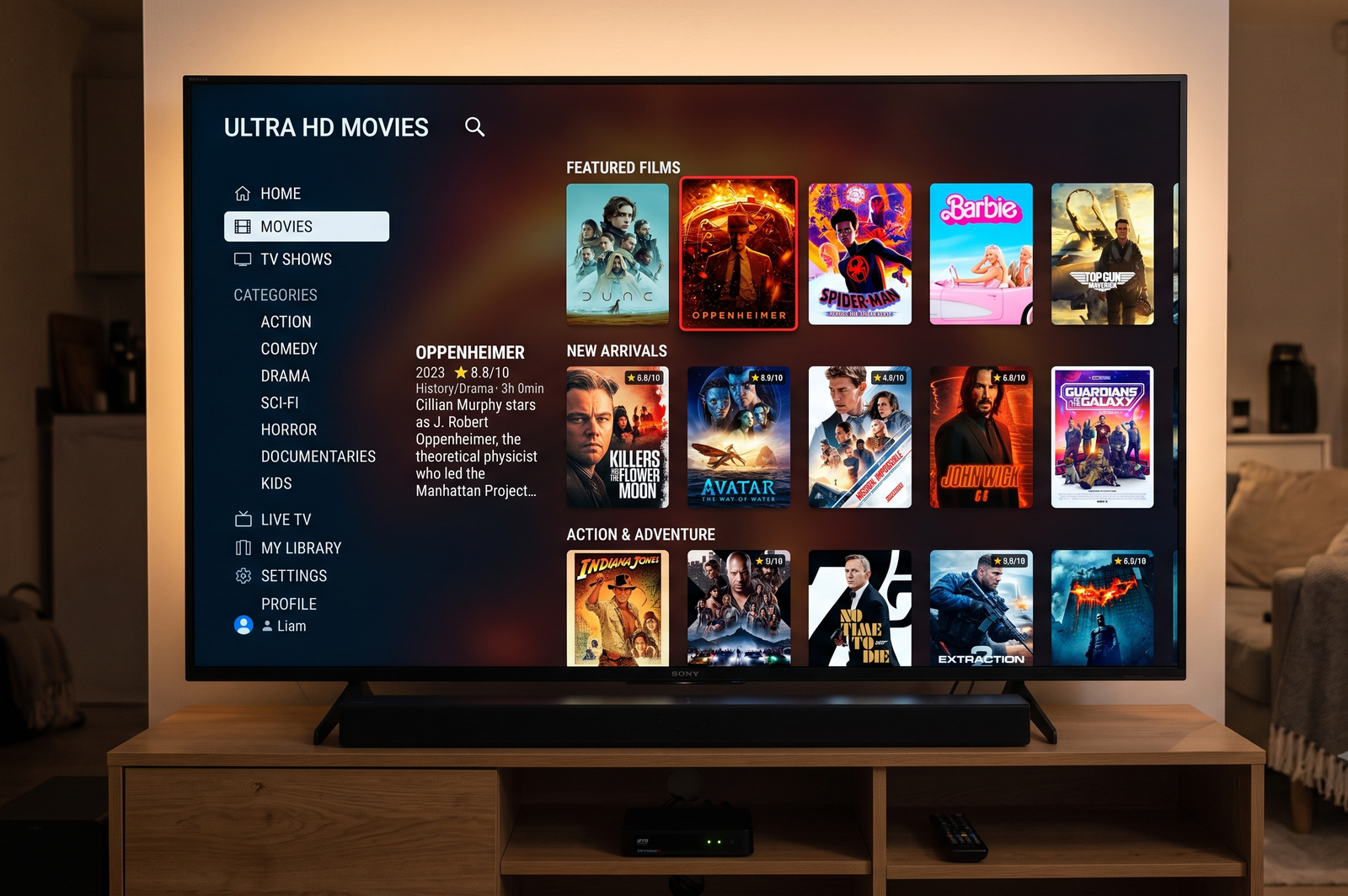
For film enthusiasts, IPTV movie collections offer unmatched selection. Movie libraries on IPTV are organized logically by genre (Action, Comedy, Drama, Horror, Sci-Fi, Documentary, Family) as well as by release year and trending popularity.
Binge-Watching TV Series on IPTV
Binge-watching TV series is one of the primary ways users utilize IPTV VOD. TV show sections include complete season collections, allowing you to watch episodes back-to-back without commercial breaks or weekly broadcast delays.
Leading player applications like TiviMate or IPTV Smarters remember your playback progress across episodes, allowing you to pick up exactly where you left off on any device in your home.
Streaming Quality: HD vs 4K
Visual quality is essential for an enjoyable movie night. IPTV services offer multiple resolution tiers to match your screen size and internet connection:
| Quality Tier | Resolution | Best For | Internet Speed Needed |
|---|---|---|---|
| Standard Definition (SD) | 480p | Mobile phones, legacy screens | 3+ Mbps |
| High Definition (HD) | 720p – 1080p | Most Smart TVs & Monitors | 8+ Mbps |
| Full HD 60FPS | 1080p @ 60fps | Action Movies & High Motion | 15+ Mbps |
| Ultra HD (4K) | 2160p | Large 4K Smart TVs, Home Theaters | 25+ Mbps |
Device Compatibility & Setup
One of the biggest advantages of IPTV is the ability to watch on virtually any screen. Here is a breakdown of device support:
| Device Platform | Compatibility | Setup Complexity |
|---|---|---|
| Amazon Fire TV Stick | Excellent | Easy — via Downloader app |
| Android TV / Google TV | Excellent | Easy — Google Play Store download |
| Apple TV (tvOS) | Good | Easy — App Store IPTV players |
| Samsung Smart TV (Tizen) | Good | Moderate — native Smart TV apps |
| LG Smart TV (webOS) | Good | Moderate — native Smart TV apps |
| Windows PC & Mac | Excellent | Easy — VLC or IPTV Smarters Desktop |
| iPhone, iPad & Android Mobile | Excellent | Easy — native mobile player apps |
For complete setup instructions, check out our step-by-step IPTV Installation Guide.
Internet Speed Requirements
Your home internet connection is the backbone of your VOD streaming experience. The table below outlines recommended bandwidth requirements:
| Activity | Minimum Speed | Recommended Speed | Notes |
|---|---|---|---|
| SD VOD (1 device) | 3 Mbps | 5 Mbps | Sufficient for mobile viewing |
| HD VOD (1 device) | 8 Mbps | 15 Mbps | Standard for TV viewing |
| 4K VOD (1 device) | 25 Mbps | 35+ Mbps | Requires stable connection |
| Multiple Devices (HD) | 20 Mbps | 50+ Mbps | Account for multi-room streaming |
| Multiple Devices (4K) | 50 Mbps | 100+ Mbps | Fiber or high-speed cable recommended |
Movies, TV Shows, and Live Sports
The convergence of entertainment categories sets IPTV apart from single-purpose platforms. A quality service functions as your all-in-one entertainment hub.
Parents can watch movies in one room while sports fans catch live games in another — all through a single household plan. If live sports are part of your viewing routine, explore our guide on how to watch live sports without cable.
Frequently Asked Questions (FAQ)
Is IPTV legal in the USA?
IPTV technology itself is completely legal. It is a standard digital protocol used by major telecommunication providers worldwide.
How is IPTV VOD different from Netflix or Hulu?
Traditional streaming apps like Netflix only provide on-demand video. IPTV combines live broadcast TV channels with 100,000+ VOD movies and series under a single subscription.
Do I need a VPN to watch movies on IPTV?
Using a VPN is recommended in the USA to prevent ISP speed throttling during peak evening hours and ensure steady video playback.
Can I pause, rewind, and fast-forward VOD movies on IPTV?
Yes! VOD content on IPTV features full playback controls including pause, fast-forward, rewind, subtitle selection, and audio language switching.
Ready to Access 100,000+ Movies & TV Shows?
Stream endless HD & 4K entertainment alongside 25,000+ live channels across all your devices for just $15/mo or $66/year.