
IPTV for Sports Fans: What to Look for Before Choosing a Service in 2026
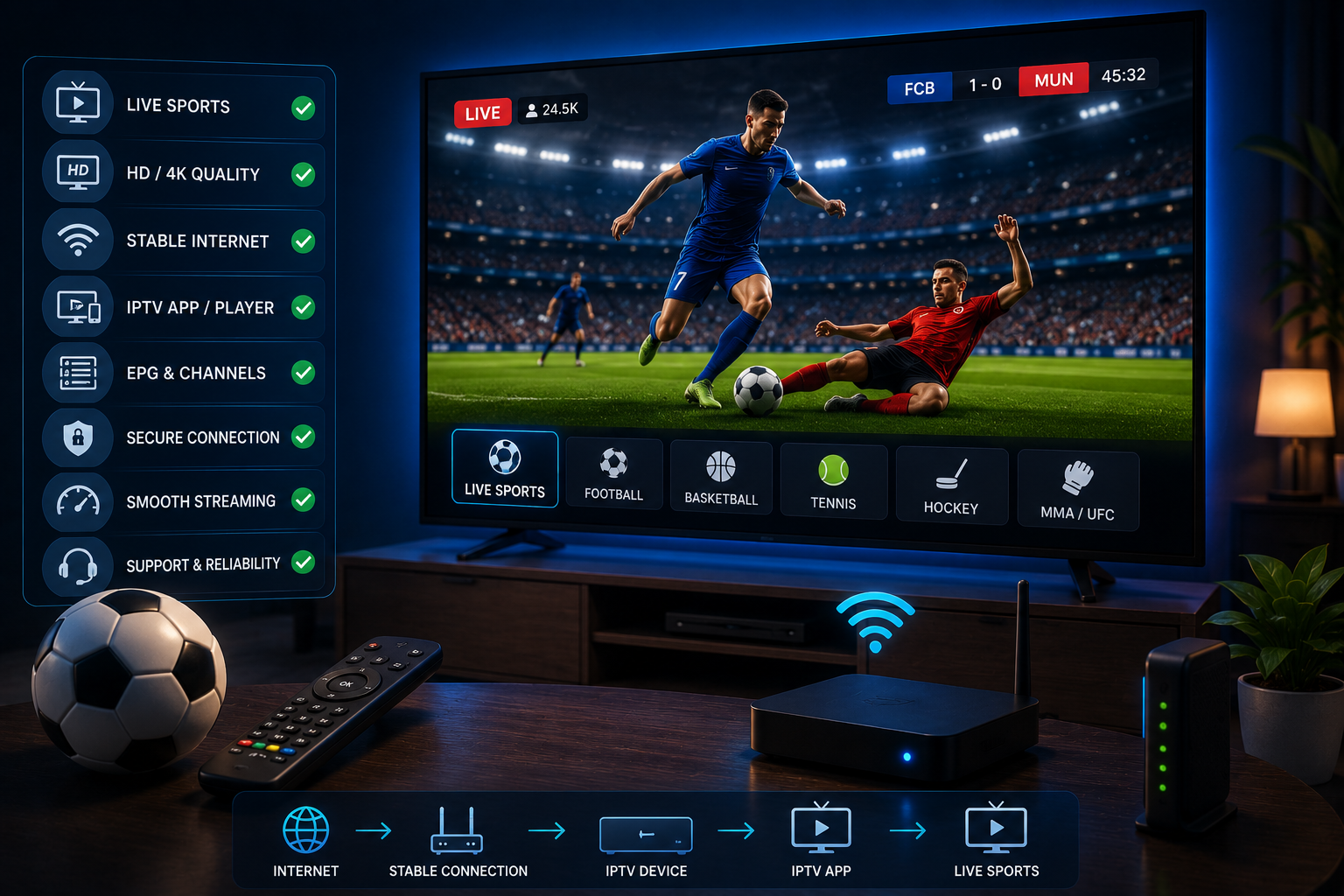
Streaming live sports is fundamentally different from watching on-demand movies. Movies allow your app to buffer minutes ahead, hiding brief internet dips. Live sports broadcasts offer no such safety margin—when a key play happens, the stream must deliver it instantly without stutter or delay.
For sports fans in the USA, a high channel count alone does not guarantee a good sports-viewing experience. Viewers care especially about reliable playback, specific channel availability, quick channel loading, minimal buffering, EPG accuracy, device compatibility, smooth picture quality, responsive customer support, and clear pricing terms. Before subscribing, sports fans should check several critical technical elements to make an informed decision.
Key Takeaways
- Prioritize Specific Channels: Verify your exact regional, national, and league sports networks before subscribing rather than trusting overall channel counts.
- Test Stream Stability Under Heavy Load: Always test live streams during peak game hours to judge server capacity under real audience traffic.
- Inspect Motion Clarity & EPG: Ensure 60fps high-bitrate streams for clear ball movement and active Electronic Program Guide (EPG) schedules.
- Verify Hardware & Account Limits: Test on your primary Amazon Firestick, Smart TV, or mobile device, and check multi-screen connection terms.
Sports fans should evaluate specific sports channel availability, streaming server stability during peak game hours, minimal buffering, high frame rates (60fps) for fast motion, accurate Electronic Program Guide (EPG) listings, Firestick and Smart TV app compatibility, multi-device stream limits, transparent pricing, and responsive technical support.
Table of Contents
- 1Quick Checklist for Sports IPTV→
- 21. Check the Sports Channels You Actually Need→
- 32. Streaming Stability Matters More for Live Sports→
- 43. Test Sports Streams During Live Events→
- 54. Check Picture Quality→
- 65. Look for a Useful EPG→
- 76. Check Device Compatibility→
- 87. Check How Many Devices You Can Use→
- 98. Look for a Free Trial→
- 109. Check Customer Support→
- 1110. Check Pricing and Subscription Terms→
- 12Don’t Choose Based Only on Channel Count→
- 13Sports IPTV Red Flags to Watch For→
- 14How to Test an IPTV Service Before a Big Game→
- 15What Internet Connection Do Sports Fans Need?→
- 16Is IPTV Legal for Watching Sports in the USA?→
- 17OURAIPTV: What Sports Fans Should Check→
- 18Frequently Asked Questions (FAQ)→
Quick Checklist for Sports IPTV
| What to Check | Why It Matters for Sports |
|---|---|
| Channel availability | Ensures coverage for the specific sports leagues and regional games you follow. |
| Streaming stability | Prevents server crashes during high-traffic live games and main events. |
| Buffering | Minimizes playback lag so you do not fall behind real-time broadcast action. |
| EPG | Helps you locate game channels and schedules quickly across large lineups. |
| Picture quality | Delivers high frame rates for clear ball movement and readable scoreboard text. |
| Device compatibility | Ensures smooth playback on Firestick, Smart TVs, Android boxes, or mobile apps. |
| Free trial | Lets you test live game stream stability before paying for a subscription. |
| Customer support | Provides help if account login or stream loading issues occur near kickoff. |
| Device limits | Allows simultaneous game streaming on multiple screens across your home. |
| Pricing and terms | Protects against hidden fees, unexpected price changes, and vague renewals. |
| Content rights / transparency | Helps you choose authorized providers with transparent service terms. |
1. Check the Sports Channels You Actually Need
Sports fans should start by verifying channel availability for the specific sports they follow, such as the NFL, NBA, NHL, MLB, college sports, soccer, boxing, MMA, motorsports, or international events.
Channel lineups vary by provider, package, location, and content licensing. No single service holds rights to every broadcast worldwide. Inspect a provider’s active channel directory before subscribing to confirm your required sports networks are present.
2. Streaming Stability Matters More for Live Sports
Stream reliability is crucial during live events when high audience traffic stresses server capacity. Unlike on-demand shows, live sports are unforgiving—a few seconds of buffering can mean missing a touchdown, goal, or knockout without a pause safety net.
No provider can promise zero buffering under every network condition. Real-world playback depends on server capacity, connection stability, Wi-Fi quality, device hardware, and local ISP network congestion. If you experience stuttering on your network, read our guide on how to stop IPTV buffering for practical network fixes.
3. Test Sports Streams During Live Events
Testing a service during quiet daytime hours will not reveal how servers handle heavy traffic. Off-peak playback rarely stresses streaming infrastructure, making even underpowered providers appear stable.
Evaluate streams during your typical viewing hours and, whenever possible, during an active live sporting event. Pay close attention to channel load times, stream stability, buffering frequency, picture crispness, channel switching speed, audio/video sync, and Electronic Program Guide accuracy.
4. Check Picture Quality
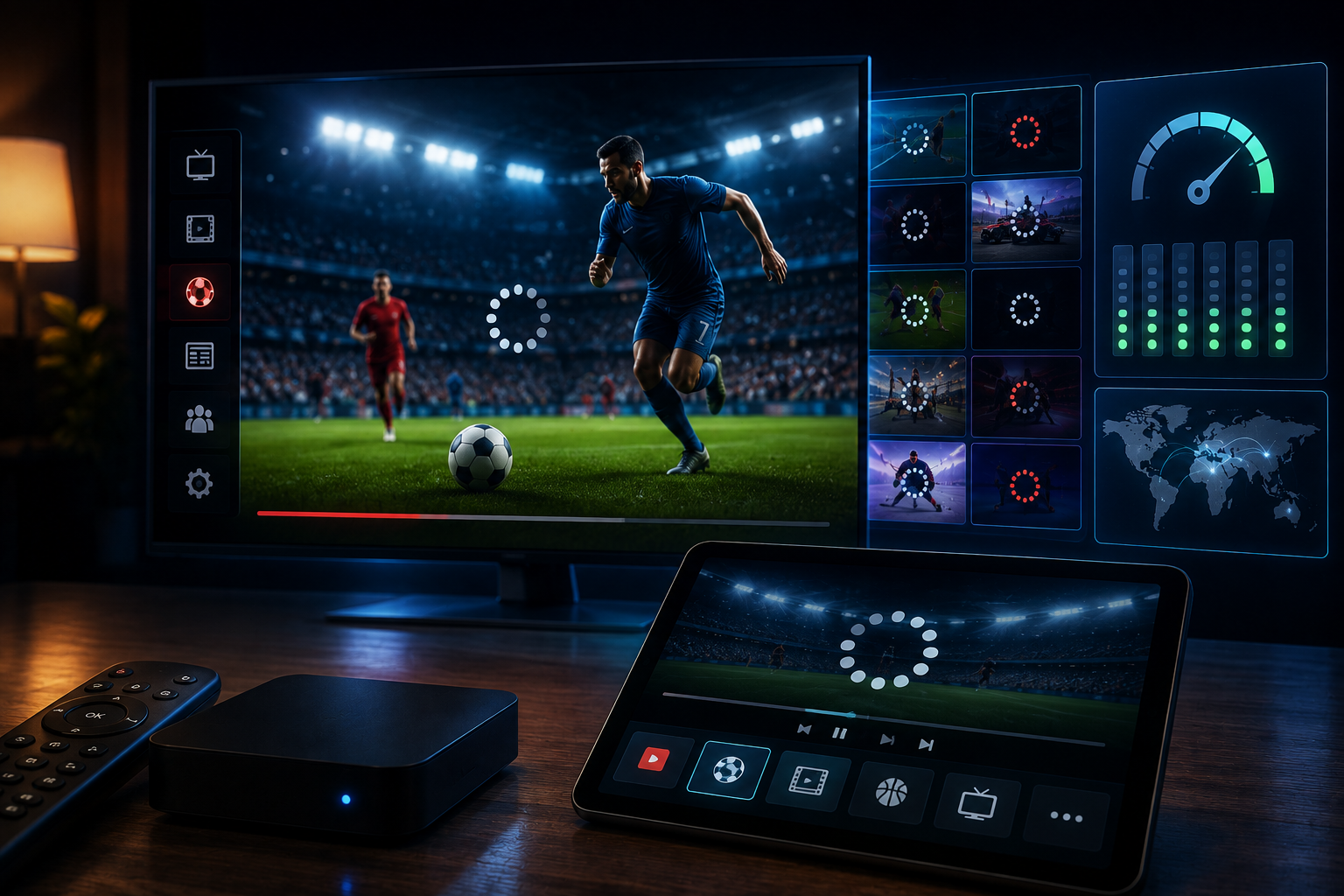
Sports benefit significantly from good picture quality because fast motion highlights compression flaws and video artifacts. Rapid camera movement across fields or courts can turn poor video streams into blurry, pixelated feeds with unreadable scoreboards.
Look for stable streams with smooth motion, minimal pixelation, readable text, and sync between audio and video. While providers may mention SD, HD, Full HD, or 4K options, higher resolution does not automatically equal a better viewing experience if the bitrate is throttled or the stream stutters.
5. Look for a Useful EPG
An Electronic Program Guide (EPG) is essential for navigating extensive channel lineups. A well-formatted guide helps sports fans find live games, view upcoming schedules, identify game channels, and check event start times without manually scanning hundreds of streams.
EPG completeness varies by provider and player app. While a guide does not guarantee perfect schedule accuracy, having a reliable guide makes game-day navigation simpler. To learn more about setting up TV schedules, check out our full guide on IPTV EPG configurations.
6. Check Device Compatibility
Ensure the service works smoothly on the media hardware you use most, such as Amazon Fire TV / Firestick, Android TV boxes, Smart TVs, Android smartphones, or tablets. Smooth playback depends on compatibility between both the IPTV service and your IPTV player application.
If you plan to stream live games on Amazon hardware, consult our step-by-step walkthrough for IPTV on Firestick to ensure proper app setup and settings.
7. Check How Many Devices You Can Use
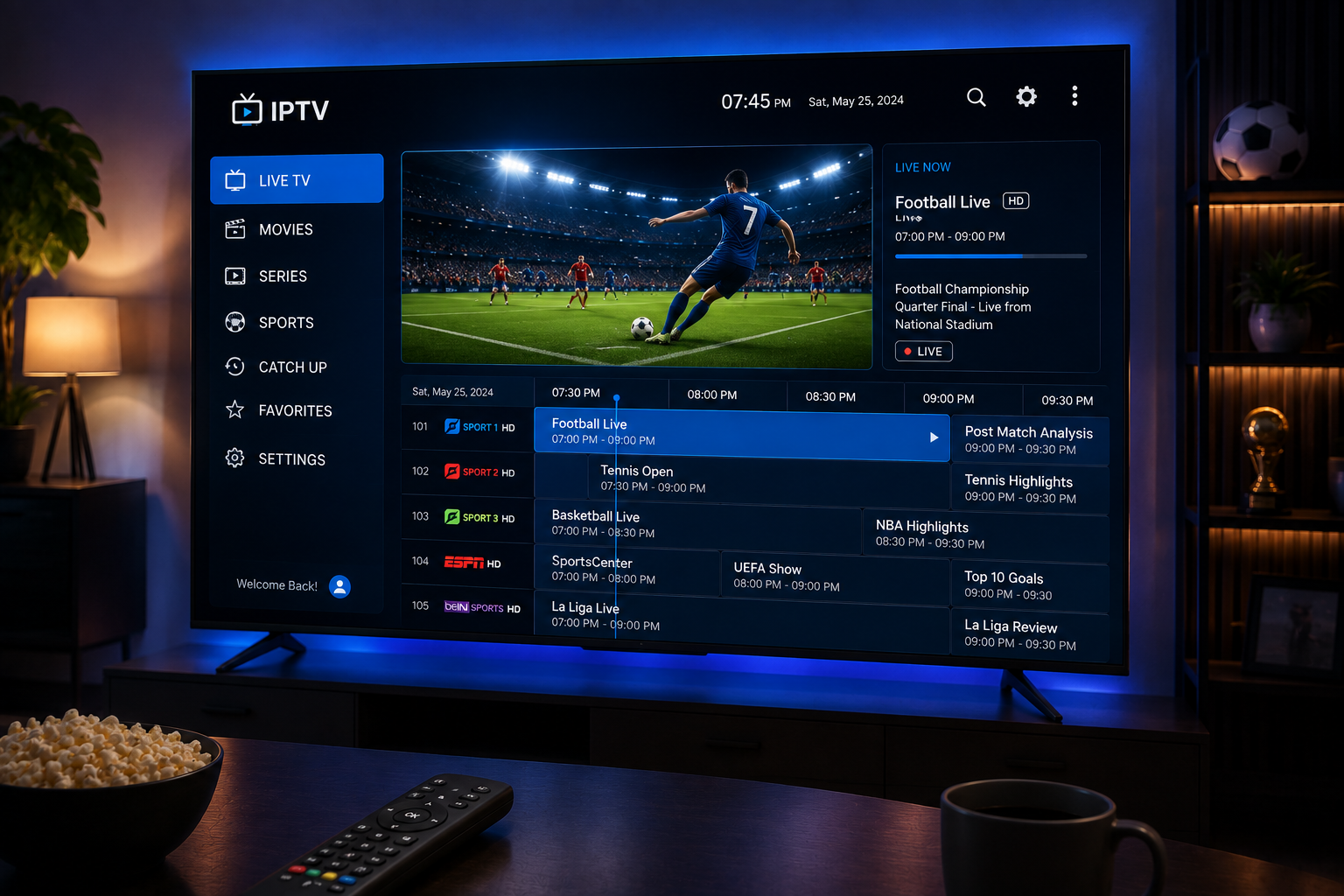
Device limits are important for households where different members want to watch sports simultaneously on separate screens—such as a Firestick in the living room, a Smart TV in the bedroom, or a mobile phone on the go.
Providers set distinct policies regarding registered hardware, concurrent stream allowances, and IP location limits. Check the provider’s official terms before subscribing so your account supports your household’s simultaneous viewing needs.
8. Look for a Free Trial
A short-term trial offers a practical way for sports fans to evaluate service performance before spending money. During a trial, you can test sports channel availability, picture quality, buffering stability, EPG accuracy, device compatibility, channel switching, and customer support responsiveness.
While a trial cannot guarantee perpetual stability, taking advantage of an IPTV free trial helps you judge current playback quality on your home connection risk-free.
9. Check Customer Support
Reliable customer support matters when you run into setup issues right before a big game starts. Viewers need accessible help if they face account login errors, playlist loading failures, EPG syncing issues, or device configuration questions.
Check what support options exist—such as email ticketing or online help desks—and avoid services that offer no way to reach assistance. Responsive support helps resolve technical hiccups before kickoff.
10. Check Pricing and Subscription Terms
Look beyond headline subscription prices to evaluate full contract terms. Check plan duration, renewal pricing, device connection limits, trial policies, refund conditions, included features, and payment methods.
Extremely cheap plans often sacrifice server infrastructure, leading to heavy buffering during major sporting events. Reviewing clear subscription pricing terms ensures you select a plan with fair pricing and reliable server routing.
Don’t Choose a Sports IPTV Service Based Only on Channel Count
A service advertising tens of thousands of channels is not automatically the best choice for sports. Massive channel lists often contain thousands of duplicate, offline, or irrelevant streams that make finding your game difficult.
Sports fans should prioritize stream stability, fast loading, essential sports channel availability, crisp motion, accurate EPG listings, and transparent pricing terms over raw channel quantities.
Sports IPTV Red Flags to Watch For
Sports IPTV Red Flags to Watch For
- “Zero Buffering” Guarantees: Unrealistic claims that ignore home Wi-Fi and ISP network congestion.
- “100% Uptime” Promises: Overblown stability marketing that disregards standard server maintenance.
- Unclear Pricing & Renewal Terms: Hidden costs, unexpected renewal increases, or missing billing details.
- Vague Device Rules: Lack of clear information regarding simultaneous streams and registered device limits.
- Missing Customer Support: No listed contact methods, unmonitored ticket systems, or broken help links.
- High-Pressure Sales: Demands for immediate payment without channel lists or trial options.
- Unverifiable Review Claims: Displaying fake industry awards or fake trust seals.
How to Test an IPTV Service Before Watching a Big Game
Testing Checklist Before Game Day
- Confirm that the specific sports channels you watch are included in the lineup.
- Test channel load speeds across multiple sports and local broadcast networks.
- Evaluate motion clarity, picture stability, and scoreboard readability.
- Verify audio and video synchronization on live game streams.
- Check channel switching speed when flipping between two active sports feeds.
- Ensure the EPG displays current, accurate program schedules.
- Test playback on your primary streaming device and home network.
- Stream channels during your regular evening or weekend viewing hours.
- Submit a setup question to customer support to check response times.
- Review subscription pricing, device limits, and renewal terms before paying.
What Internet Connection Do Sports Fans Need?
Streaming live sports depends on connection stability, stream resolution, video compression, household bandwidth, Wi-Fi signal quality, and device processing power.
Higher internet speeds provide bandwidth headroom, but faster speed alone does not guarantee buffer-free streaming if server congestion occurs. Using a 5 GHz Wi-Fi connection or an Ethernet cable helps minimize wireless dropouts during live games.
Is IPTV Legal for Watching Sports in the USA?
IPTV is a legitimate technology used to deliver television programming over internet networks rather than traditional cable or satellite infrastructure.
The legality of a specific service depends on whether the provider holds valid distribution rights and broadcasting licenses for the content it offers. Sports rights vary significantly by competition, network, and territory. Users should select services that operate legally. For more context on domestic standards, read our guide on whether IPTV legal in the USA regulations apply to your configuration.
OURAIPTV: What Sports Fans Should Check
Evaluate OURAIPTV for Live Sports
Test our sports channel selection, stream stability, and EPG accuracy risk-free on your home connection before subscribing.
Review flexible OURAIPTV pricing plans for single and multi-screen households.
Frequently Asked Questions (FAQ)
What should sports fans look for in an IPTV provider?
Sports fans should look for specific channel availability, high streaming stability, quick channel loading, minimal buffering during high-demand events, an accurate Electronic Program Guide (EPG), broad device compatibility, transparent multi-device stream limits, clear pricing terms, and accessible customer support.
Is IPTV good for watching live sports?
IPTV can be an effective way to watch live sports over an internet connection, provided the service delivers stable streams and sufficient bandwidth. However, live sports streaming requires a consistent network connection and robust server infrastructure to prevent buffering during peak viewing hours.
Why is streaming stability important for sports?
Live sports happen in real time and cannot be paused or delayed without risk of missing key moments. A few seconds of buffering or a stream drop during a live broadcast can cause viewers to miss crucial plays, touchdowns, goals, or knockouts.
Does IPTV EPG matter for sports fans?
Yes. An accurate Electronic Program Guide (EPG) helps sports fans quickly locate live games, view kick-off or tip-off schedules, browse channel listings by sport or network, and plan their viewing schedule across different time zones.
Can I watch IPTV sports channels on Firestick?
Yes. Amazon Firestick and Fire TV devices are widely used for streaming IPTV channels. Viewers can install compatible player applications such as TiviMate or IPTV Smarters to load playlists and navigate live sports streams with a TV remote.
Should I test an IPTV service before subscribing?
Yes. Testing a service—especially during a live sporting event—helps viewers evaluate real-world stream stability, channel load times, picture quality, EPG accuracy, and device compatibility on their own home internet network before committing to a long-term plan.
How important is picture quality for live sports?
Picture quality is critical for sports because fast movement, wide stadium angles, and small fast-moving objects (like balls or pucks) reveal compression artifacts and motion blur more easily. High frame rates and clear video streams make scoreboards readable and action easy to follow.
Is IPTV legal for watching sports in the USA?
IPTV technology itself is completely legal in the United States. The legality of any specific service depends on whether the provider holds the necessary distribution rights and broadcasting licenses for the sports events and channels it offers.